Computer UpgradeServices in Jaipur
Upgrade your laptop or desktop with compatible RAM, SSD, storage, graphics and other hardware. B L Enterprises helps improve computer performance, capacity and usability without replacing the entire system.
1997
Serving Since
RAM
Memory Upgrades
SSD
Storage Upgrades
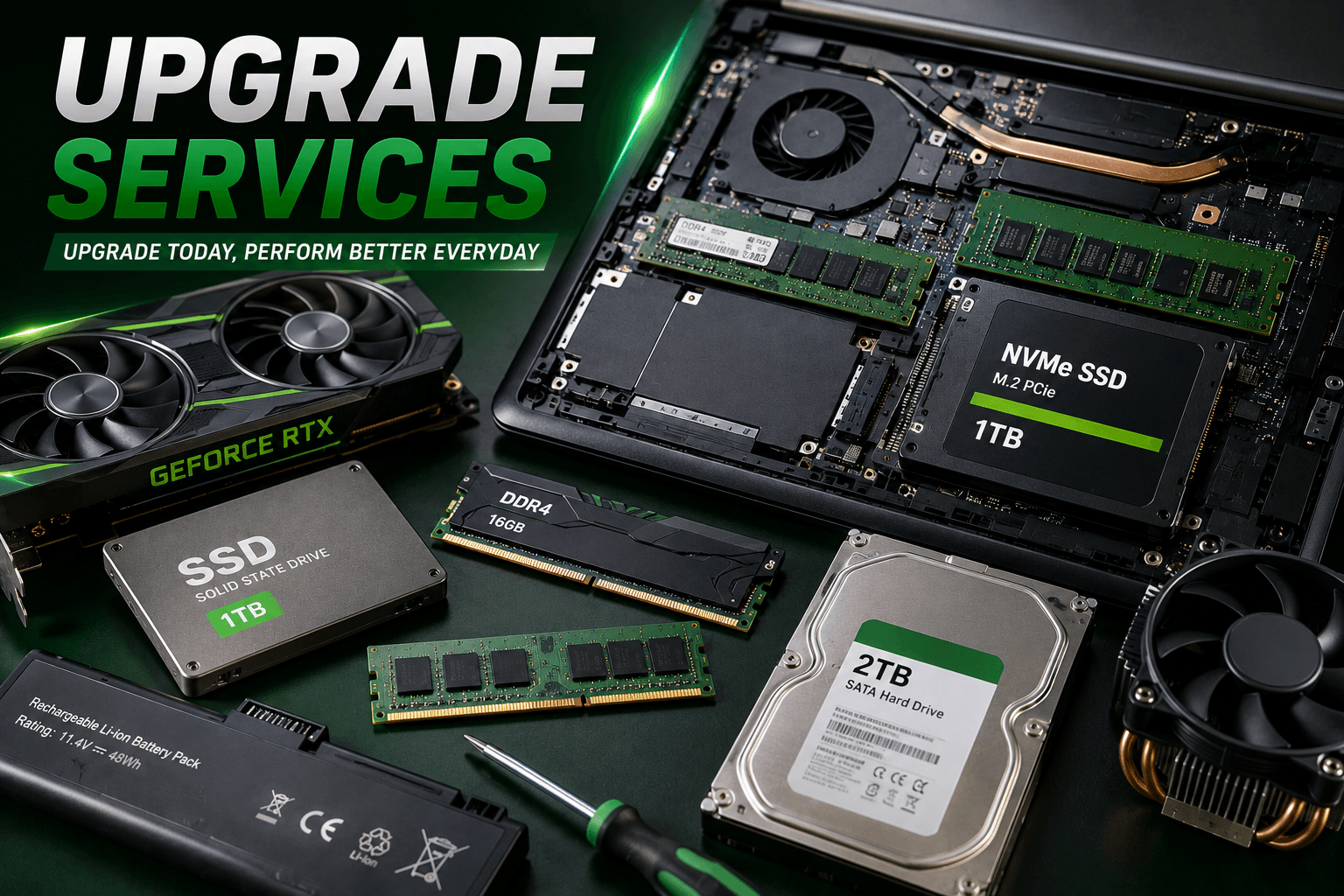
Smart Hardware Upgrades
Make Your Existing Computer Work Better
A slow computer does not always mean it is time for a replacement. The right hardware upgrade can improve responsiveness, storage, multitasking, cooling and everyday usability. We assess the existing configuration first and recommend upgrades according to compatibility, workload and budget.
Most Popular Upgrades
Start With the Right Upgrade
RAM and SSD upgrades are two of the most common ways to improve an older or slow computer.
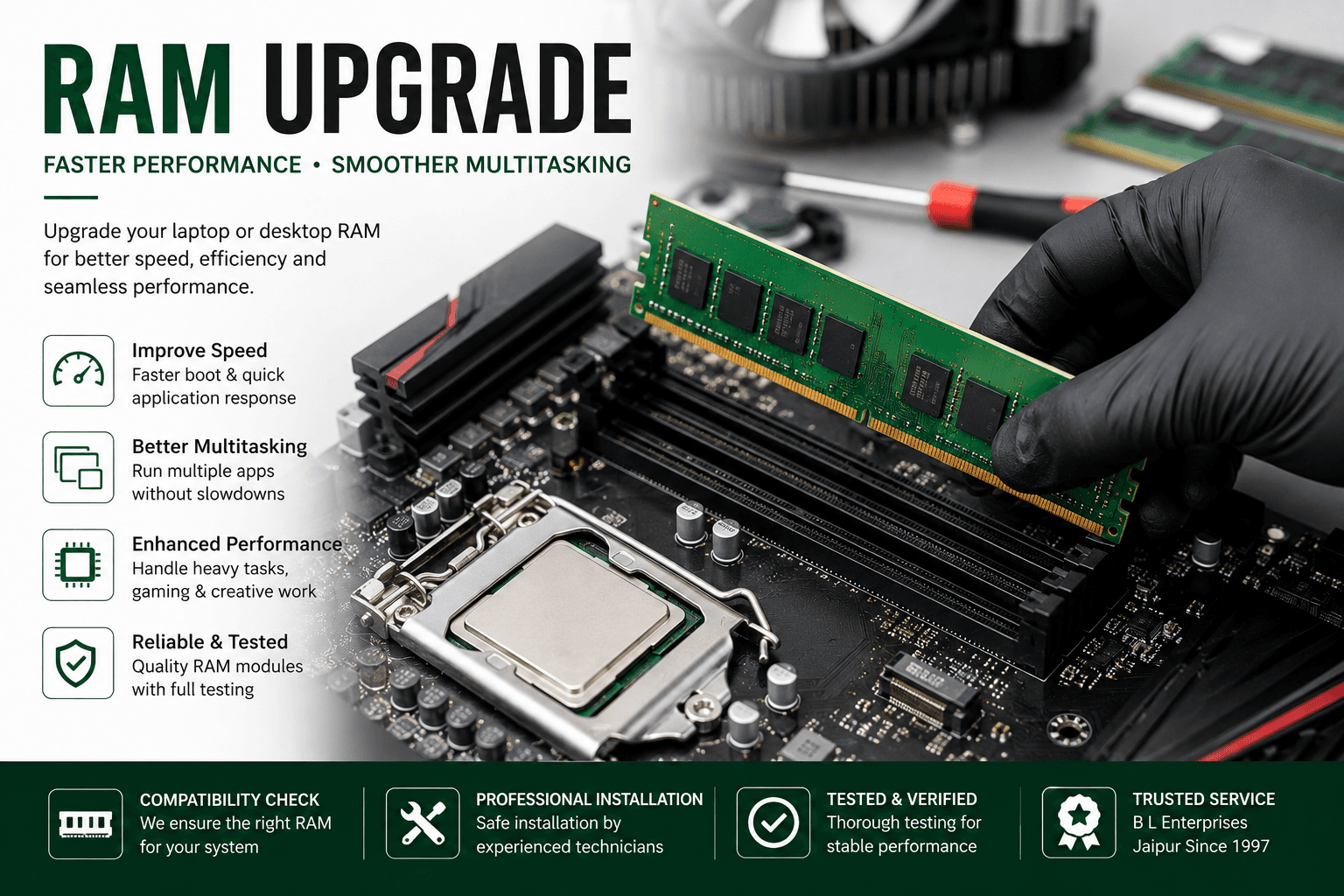
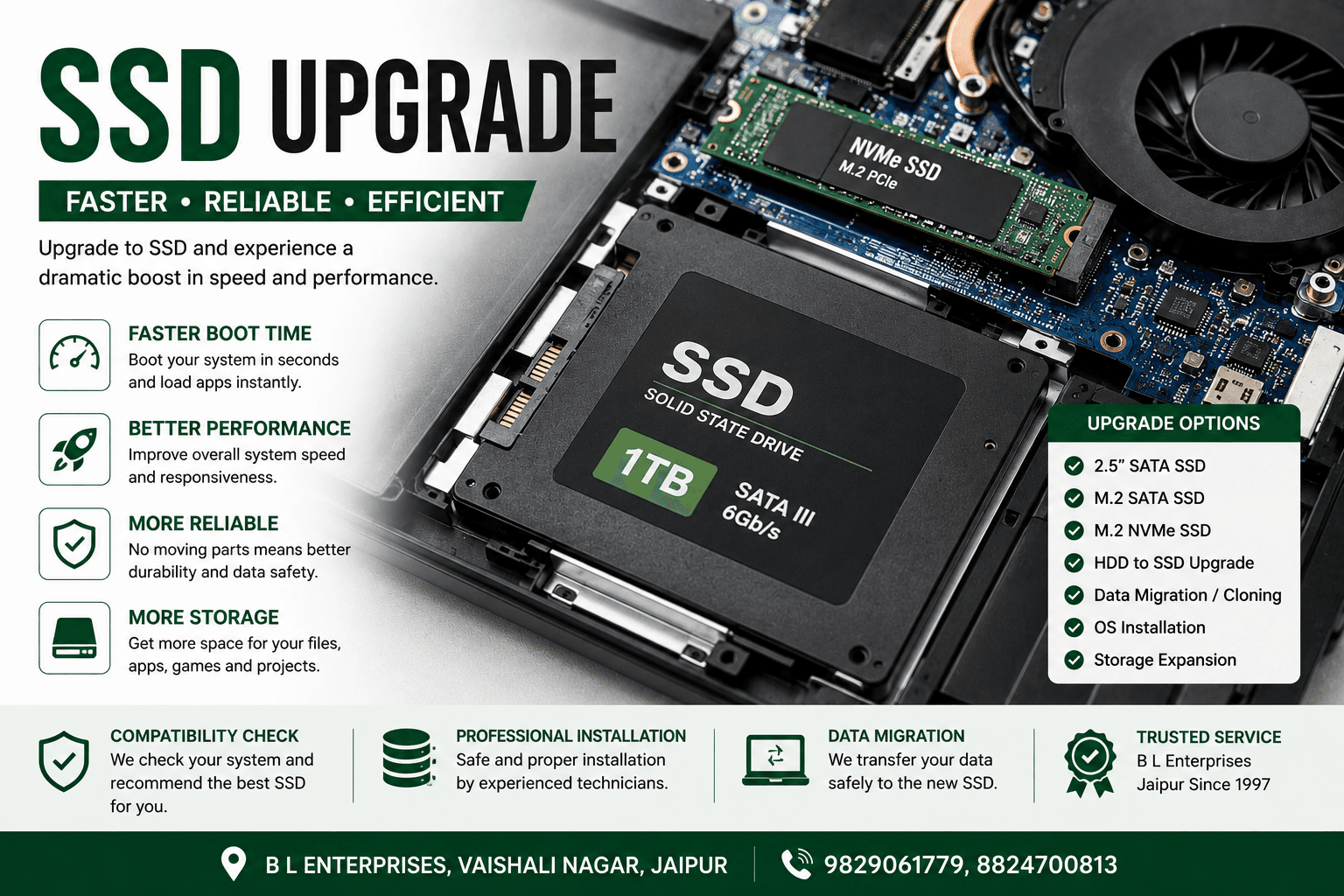
Hardware Solutions
More Than Just RAM & SSD
We also help with compatible storage expansion, desktop graphics, laptop battery replacement and thermal maintenance.
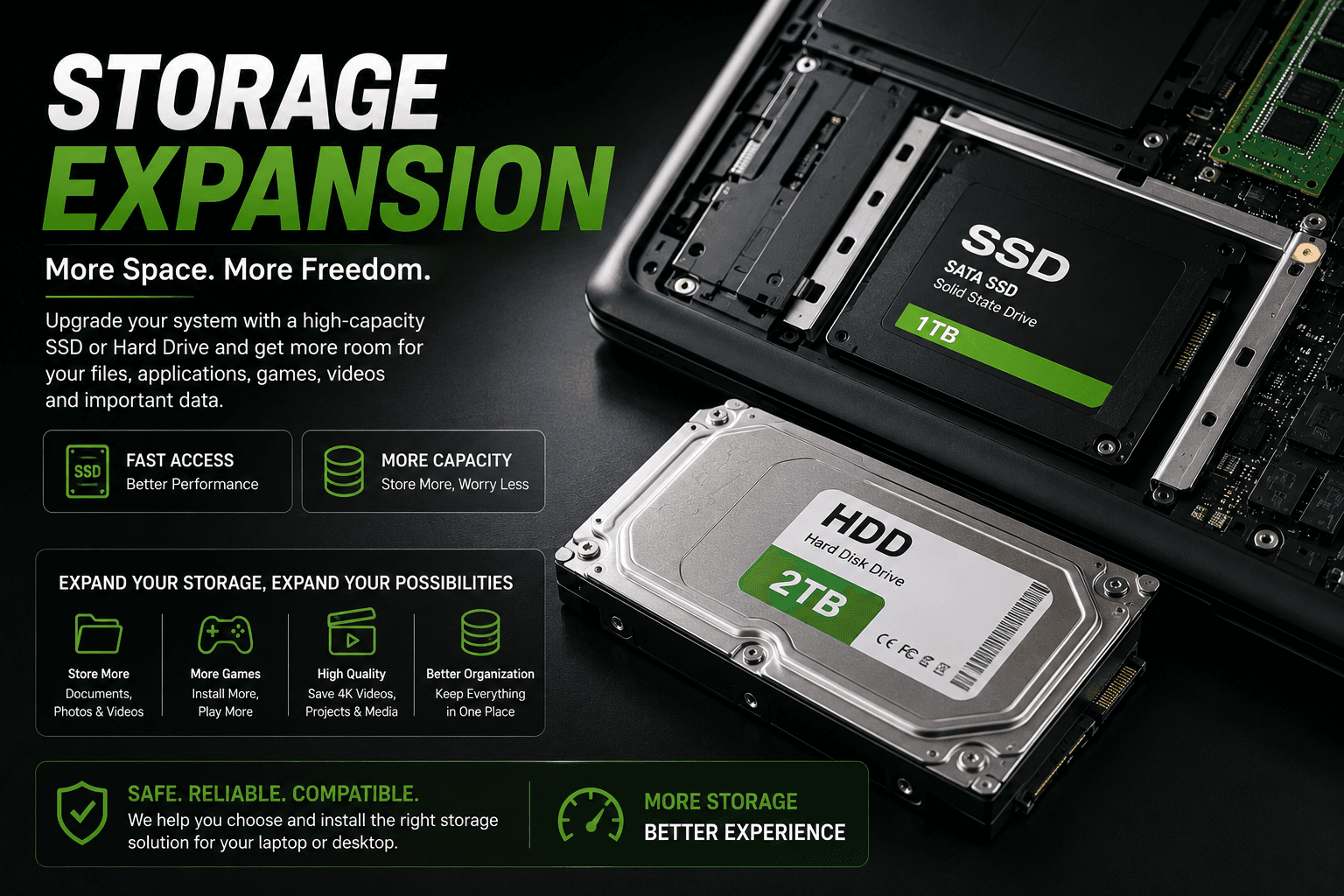 CAPACITY
Storage Expansion
More space for your files.
Expand available storage using a compatible SSD or hard drive for applications, documents, projects, media, games and other files.
 GPU
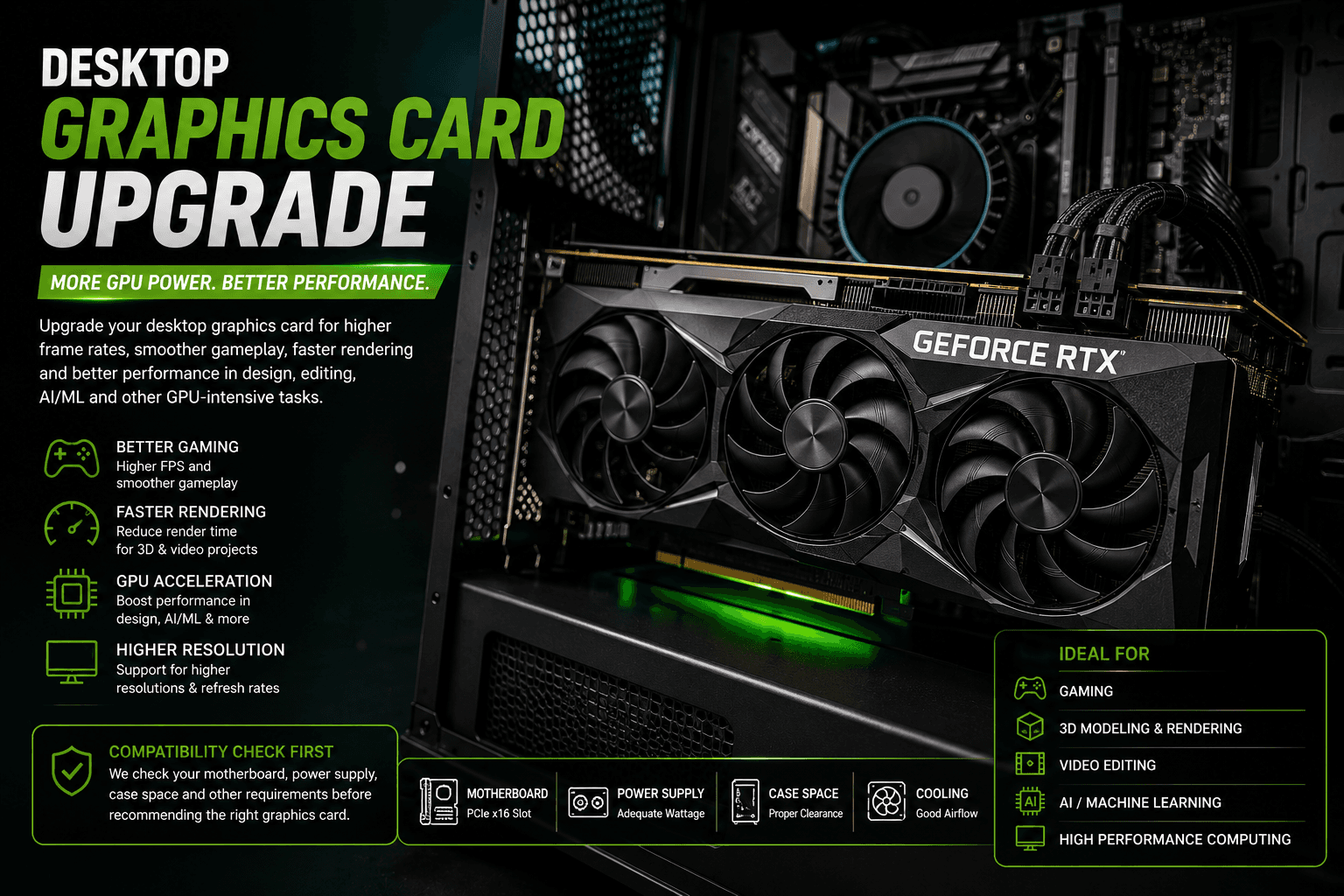
GPUDesktop Graphics Card
More GPU performance.
Upgrade compatible desktop graphics hardware for gaming, 3D design, rendering, video editing, AI/ML and other GPU-intensive workloads.
 REPLACEMENT
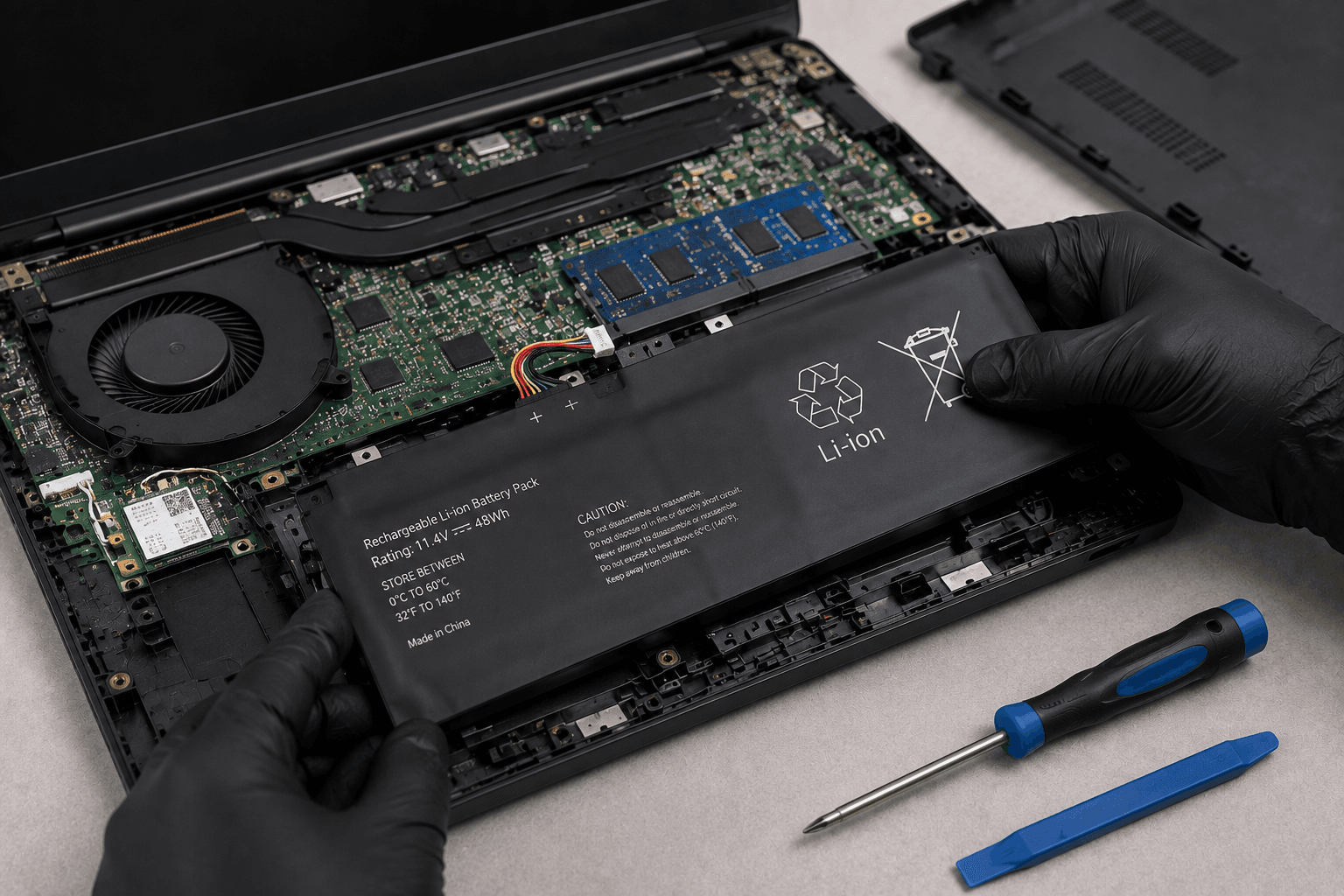
Laptop Battery Replacement
Restore reliable battery life.
Replace a worn or degraded laptop battery with a compatible replacement to restore portable usage and improve everyday reliability.
 THERMAL
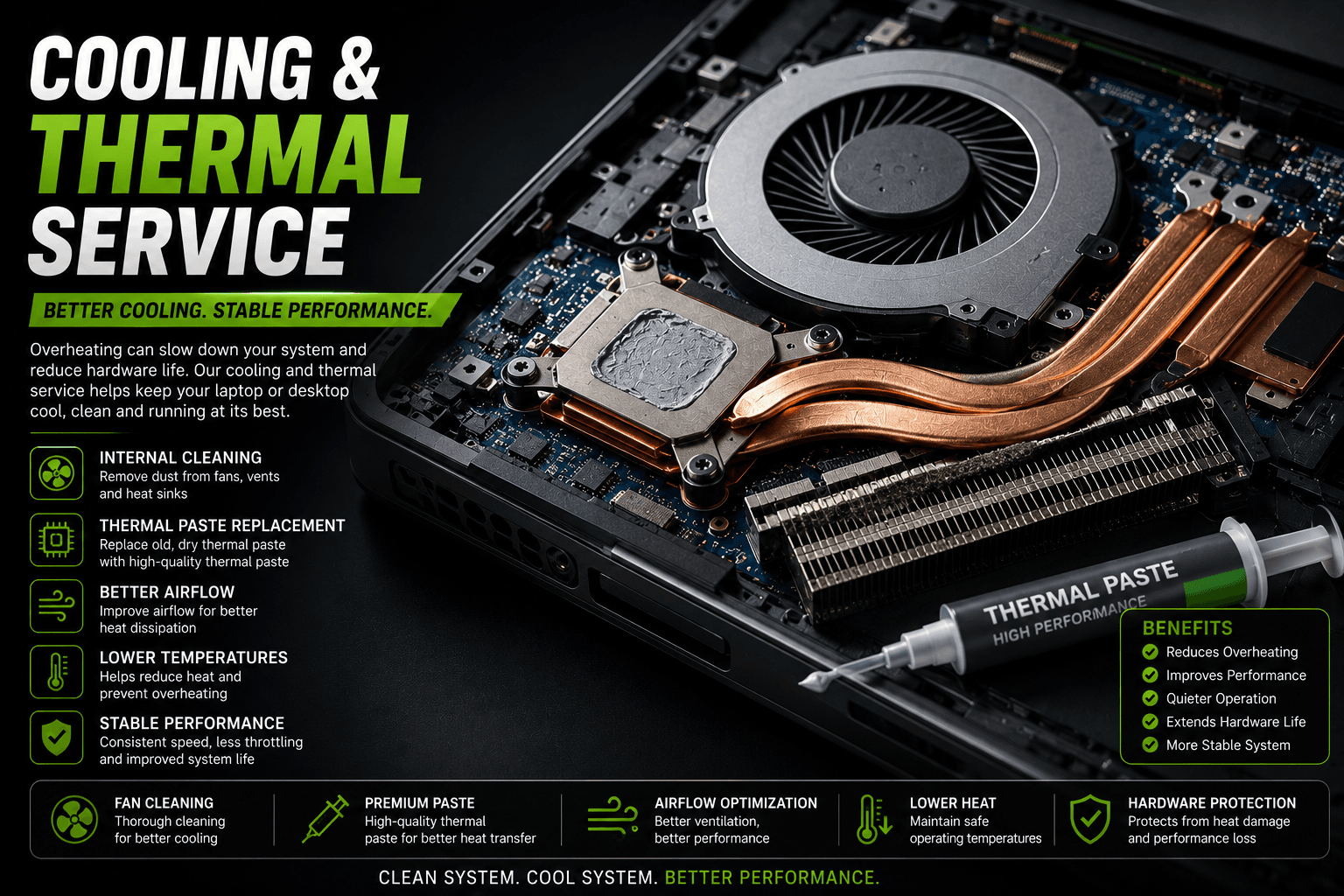
Cooling & Thermal Service
Better cooling. Stable performance.
Improve thermal management through internal cleaning, fan inspection and thermal paste replacement to help reduce overheating.
Before You Replace It
Is Your ComputerShowing These Signs?
Performance problems can have different causes. A proper hardware assessment helps identify whether an upgrade is actually useful.
Get Your System CheckedSlow Computer
Applications take too long to open and the system feels sluggish during everyday use.
Not Enough RAM
Your computer struggles when several applications, browser tabs or large programs are running together.
Old HDD
An aging mechanical hard drive can become a major storage and performance bottleneck.
Storage Full
Large applications, projects, games, documents and media are consuming your available storage.
Overheating
Dust buildup, blocked airflow, worn thermal paste or cooling problems can affect system performance.
Weak Battery
A degraded laptop battery may provide very little runtime and require frequent charging.
Hardware We Work With
Components That Can Make a Difference
Hardware availability and upgrade options depend on the specific laptop, desktop, motherboard and existing configuration.
Our Process
From Diagnosis to Upgrade
We don't recommend hardware blindly. We first understand the existing system and then determine what is compatible and useful.
Inspect
We check your laptop or desktop and identify the existing hardware configuration.
Check Compatibility
We verify supported RAM type, storage interface, capacity, physical space and hardware limits.
Recommend
We suggest suitable upgrade options according to your requirements and budget.
Install
The selected hardware is professionally installed and configured.
Test
The upgraded system is tested to confirm that the new hardware is working correctly.
Built Around Your Work
The Right Upgrade Depends on the User
A gaming PC, office computer and AI workstation may need very different hardware upgrades. We recommend upgrades around the actual workload.
Frequently Asked Questions
Upgrade Questions
Can I upgrade my laptop instead of buying a new one?+
In many cases, yes. Depending on the model, RAM, SSD and battery may be upgradeable or replaceable. Compatibility should always be checked before purchasing hardware.
Which upgrade makes a computer faster?+
It depends on the bottleneck. An SSD can make a major difference when an older HDD is slowing storage performance, while additional RAM helps systems that are running short of memory.
Can RAM and SSD be upgraded together?+
Yes, when the computer supports both upgrades. RAM and SSD upgrades address different performance limitations and can complement each other.
Can you upgrade a laptop graphics card?+
Usually not. Most laptop graphics processors are integrated into or soldered to the motherboard and cannot be replaced like a desktop graphics card. We can check your specific laptop model to determine what options are available.
Can you upgrade the graphics card in a desktop?+
Yes. Compatible desktop PCs can often be upgraded with a newer graphics card. We check the motherboard, power supply, available space and other compatibility requirements before recommending a GPU.
How do I know which RAM or SSD I need?+
The exact laptop or motherboard model should be checked for supported memory type, maximum capacity, storage interface and physical format before selecting an upgrade.
Can an upgrade extend the life of my computer?+
A suitable hardware upgrade can improve performance and usability and may extend the practical life of a computer, depending on its age, condition and overall configuration.
B L Enterprises • Jaipur
Don't Replace It Yet.Upgrade It.
Let us check your laptop or desktop and identify the upgrades that actually make sense for your system.