Custom ComputerBuilding in Jaipur
Build a desktop around your workload, performance requirements and budget. From gaming and business systems to AI/ML workstations, editing PCs and professional computers.
1997
Serving Since
CUSTOM
Configurations
PC
Built Around You
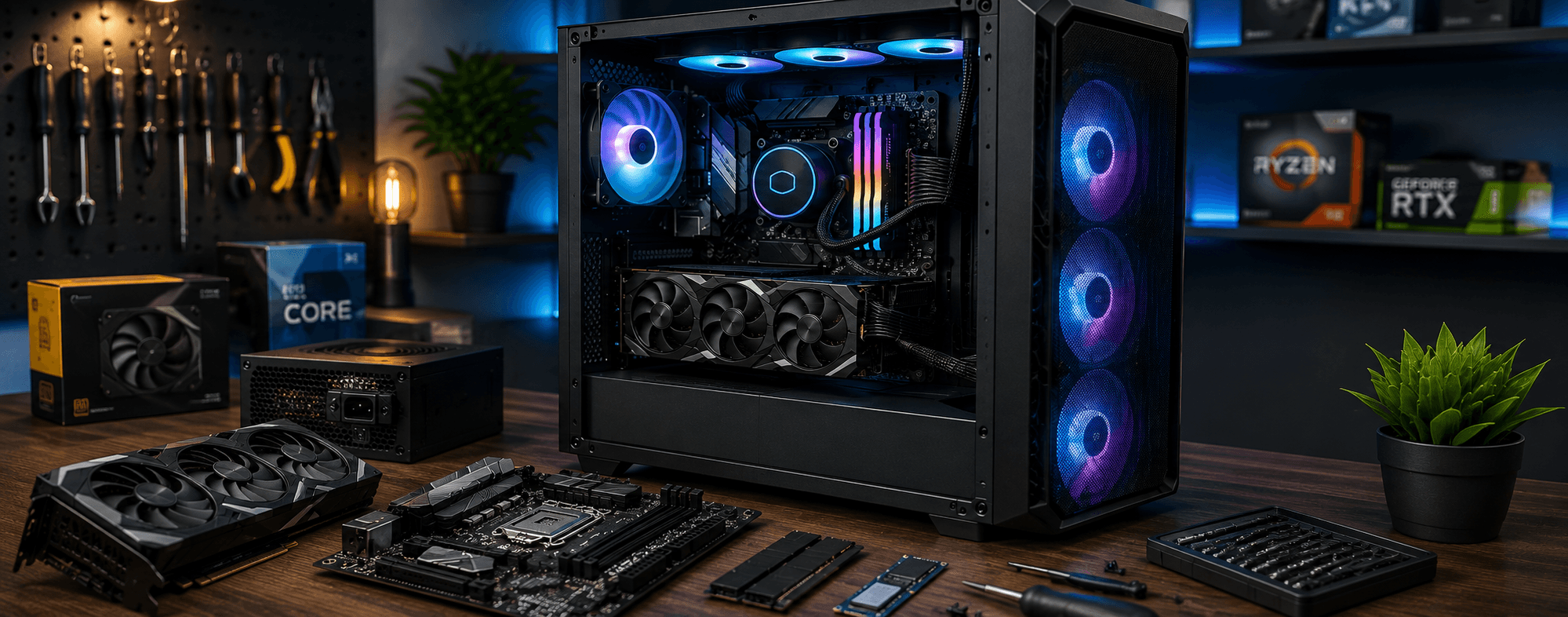
Built For Your Requirement
One PC Doesn't Fit Every User
A gaming computer, office desktop, editing workstation and AI/ML machine can require very different hardware. We help plan a complete configuration around your actual workload instead of simply selecting the most expensive components.
Why Custom Build?
Build the ComputerYou Actually Need
Custom building allows the major components of your system to be selected around your software, workload, performance expectations and budget.
Built Around Your Workload
Choose components according to what you actually need instead of paying for hardware you will not use.
Balanced Components
CPU, GPU, RAM, storage, cooling and power are selected to work together as a complete system.
Future Upgrade Potential
A properly planned desktop can provide room for future RAM, storage, graphics and other hardware upgrades.
Better Control Over Hardware
You know exactly which components are installed in your system and can choose hardware around your requirements.
Custom Configurations
What Kind of PC Do You Need?
Tell us what you want to do with the computer and we can plan the hardware around that workload.
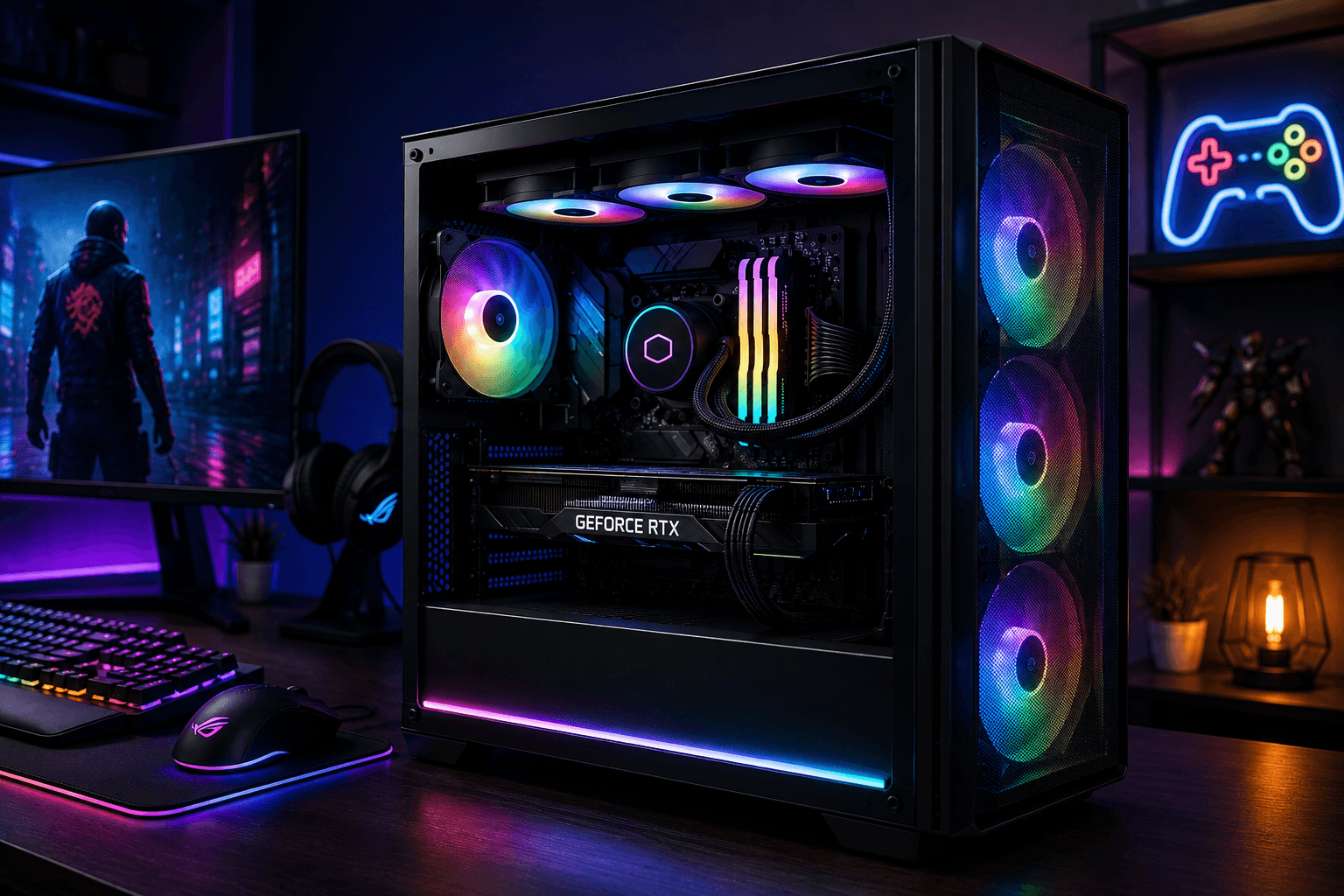 GAMING
Gaming PC
Custom gaming desktops configured around your preferred games, resolution, frame-rate targets and budget.
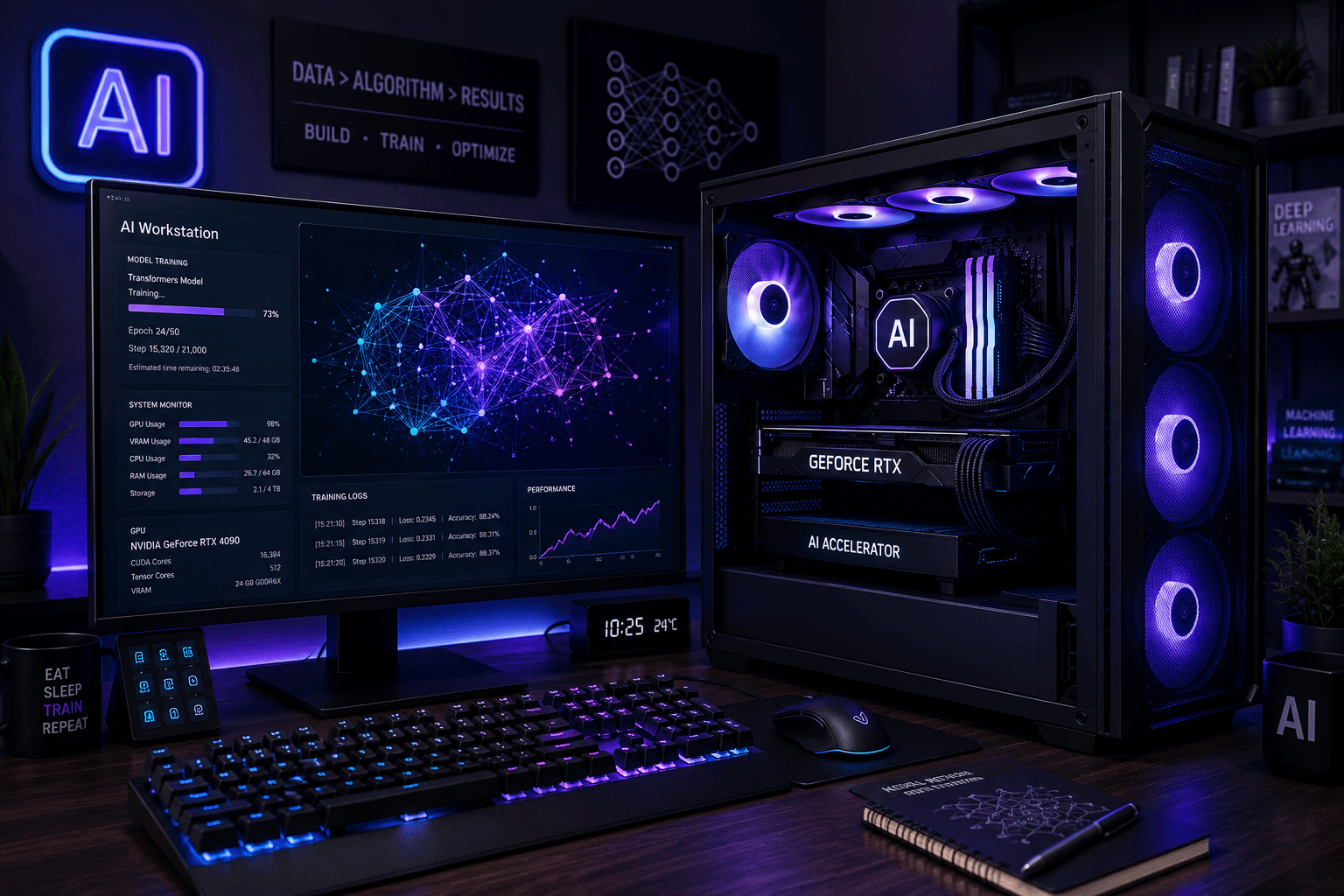 AI / ML
AI & Machine Learning PC
GPU-focused systems designed for machine learning, deep learning, computer vision, local AI workloads and development.
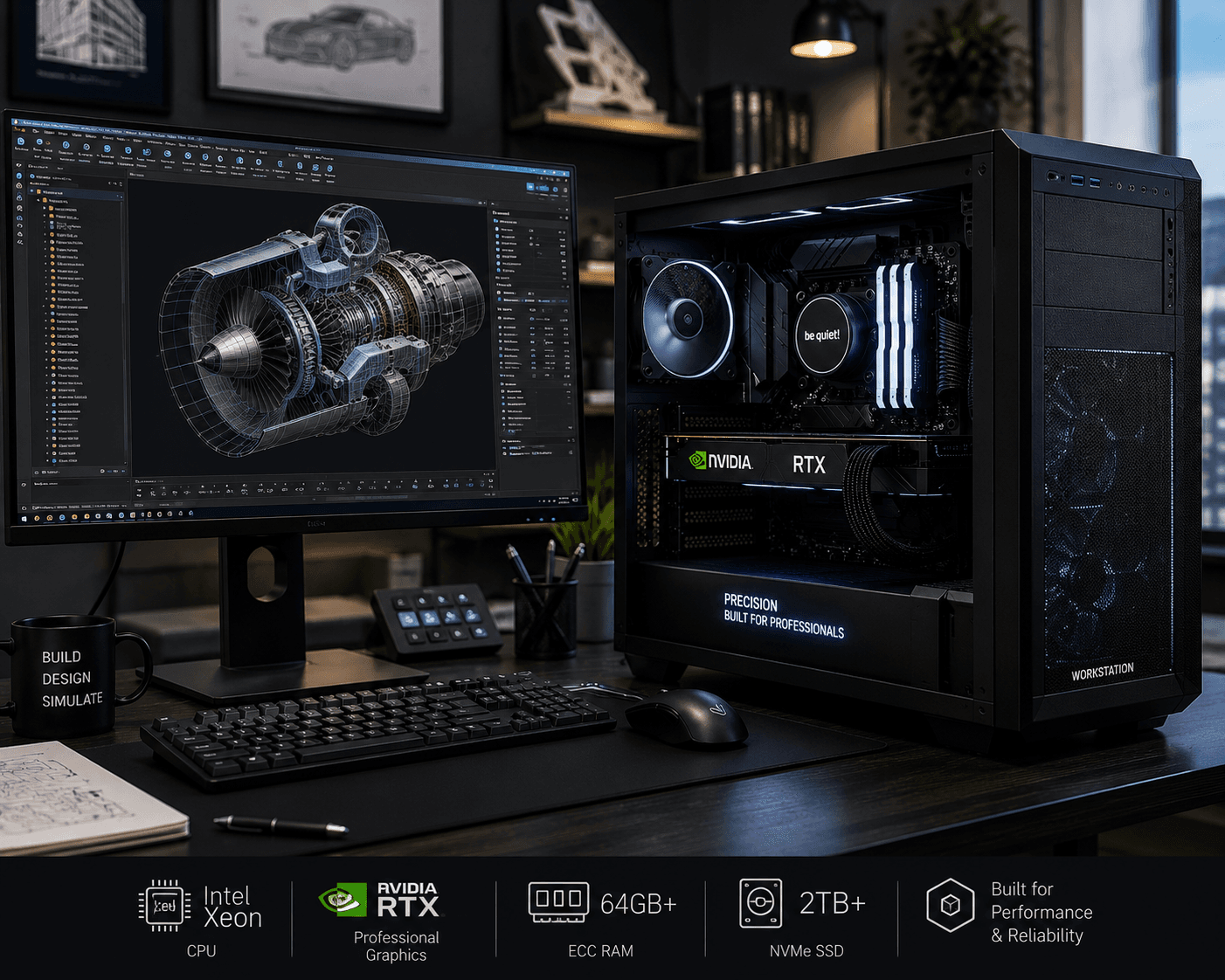 WORKSTATION
Workstation PC
High-performance desktops for engineering, 3D modelling, rendering, simulation, professional software and demanding workloads.
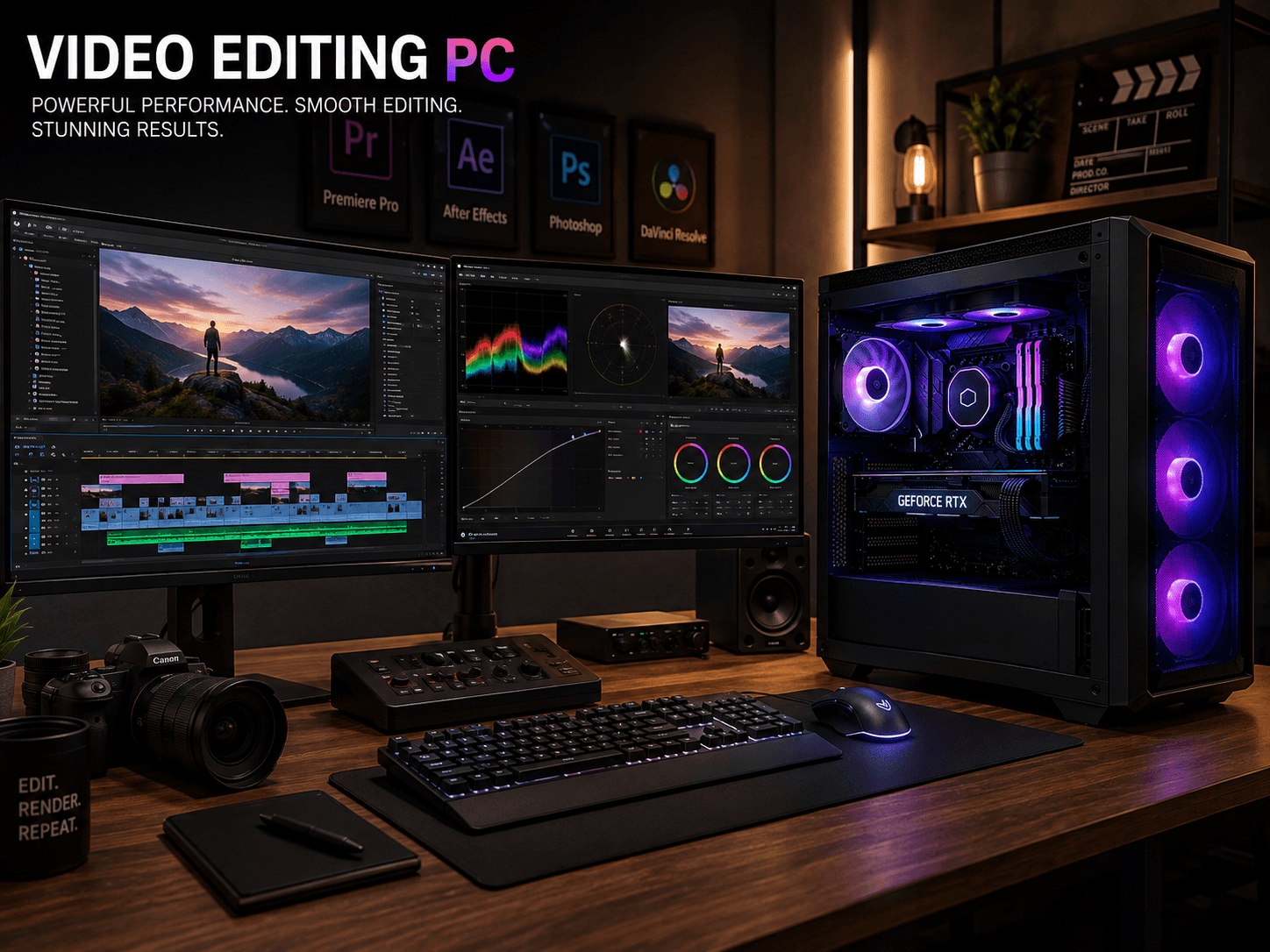 CREATOR
Video Editing PC
Balanced systems with suitable CPU, GPU, RAM and fast storage for video editing, motion graphics and content creation.
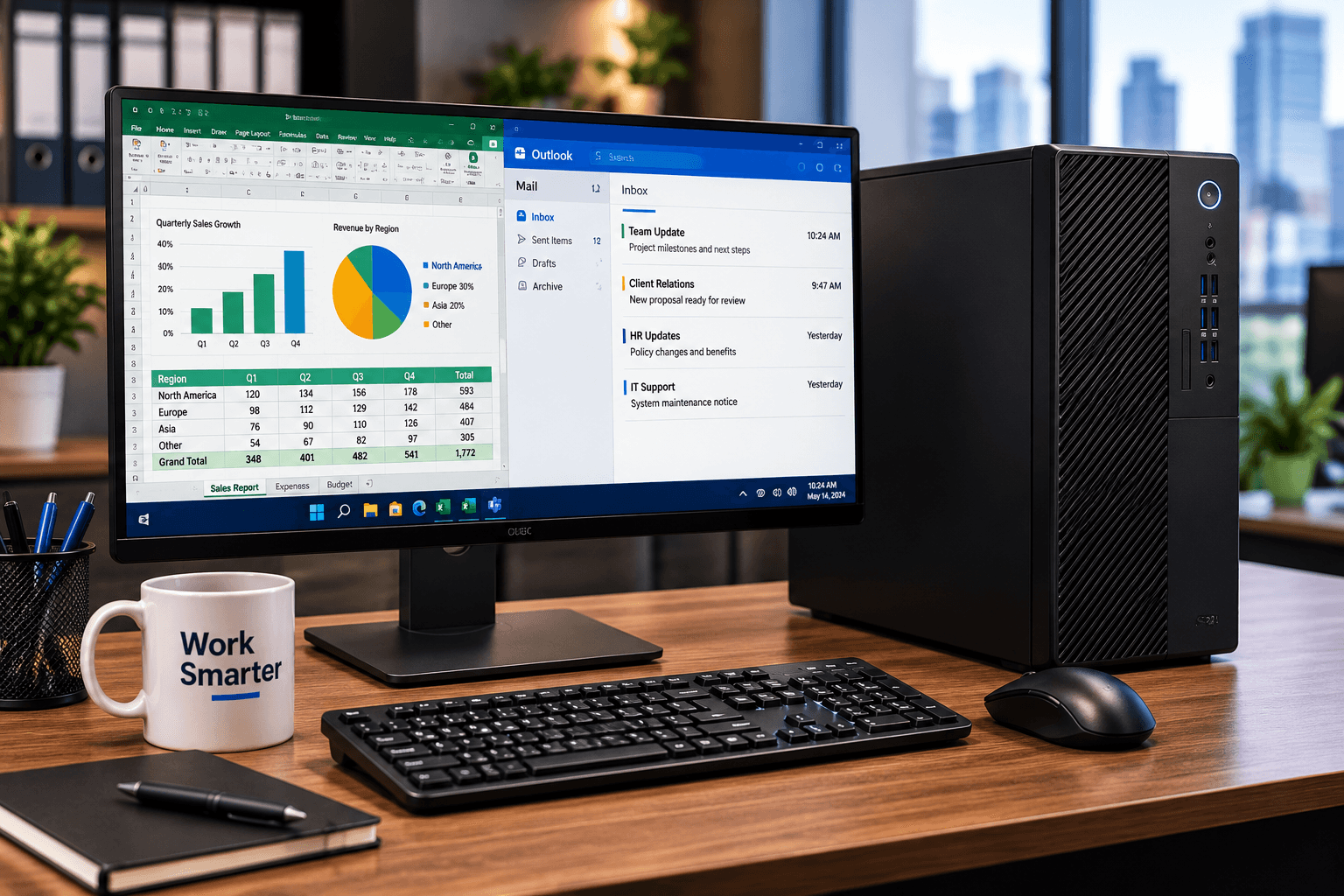 BUSINESS
Business PC
Reliable desktops for office applications, accounting, productivity, business software and everyday professional work.
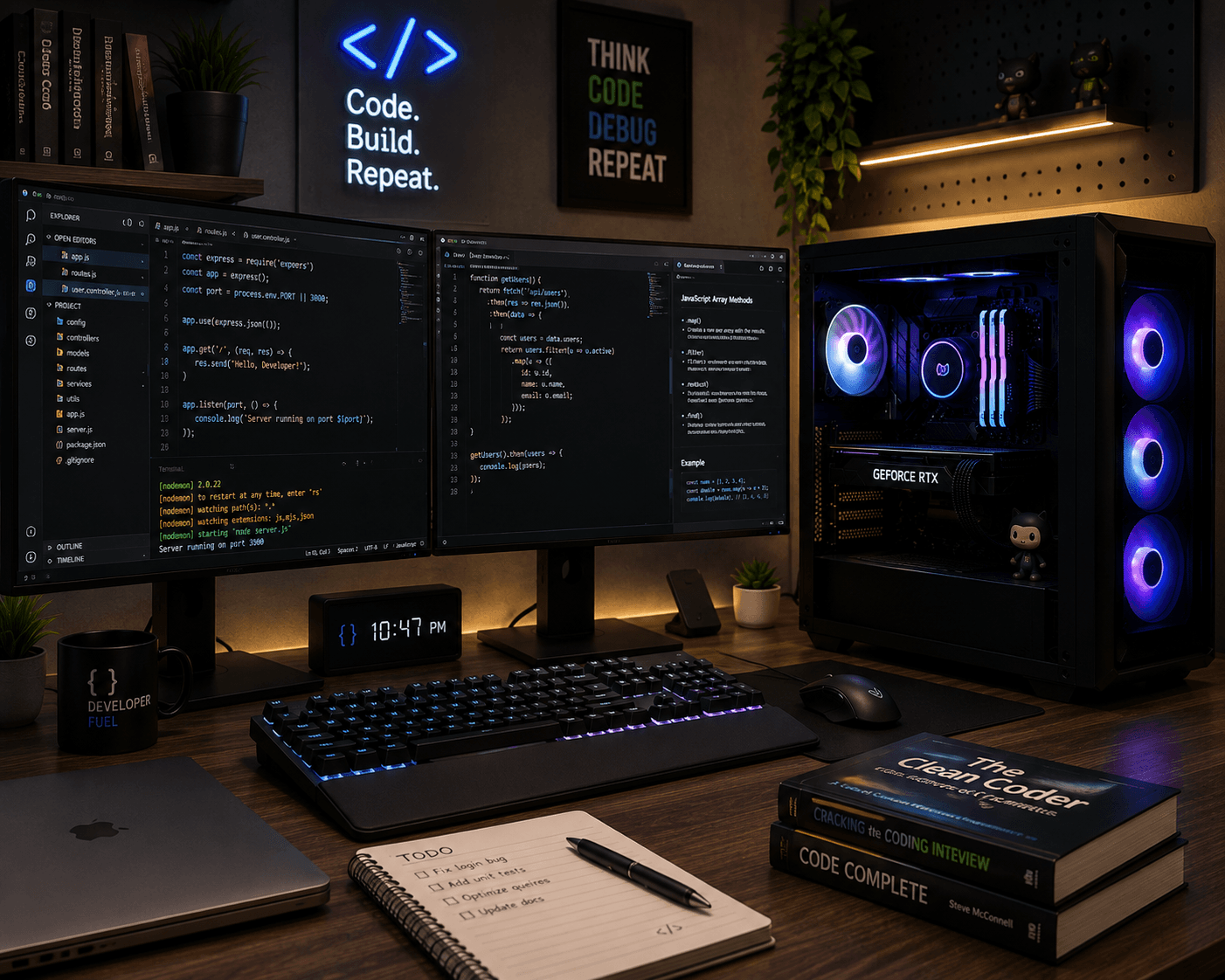 DEVELOPER
Programming PC
Developer-focused systems with suitable memory, processing power and storage for coding, virtualization and development tools.
Component Selection
Every Component Has a Job
A good custom PC is not just about choosing powerful individual parts. The components need to work together as a balanced system.
Processor
Select a CPU according to the workload, software requirements and desired performance level.
Graphics Card
Choose a compatible GPU for gaming, rendering, video editing, AI/ML and other graphics-intensive workloads.
Motherboard
The motherboard determines processor compatibility, memory support, expansion options and connectivity.
RAM
Choose suitable memory capacity and specifications based on applications, multitasking and professional workloads.
SSD / Storage
Fast SSD storage improves operating system, application and project loading while additional storage provides more capacity.
Power Supply
A reliable PSU with suitable capacity is important for stable operation and adequate power for the selected components.
CPU Cooling
Appropriate air or liquid cooling helps maintain suitable temperatures under the intended workload.
PC Case
The case must provide suitable component clearance, airflow, cooling support and room for future expansion.
Compatibility First
Powerful Components Need to Work Together
We consider compatibility between the processor, motherboard, RAM, graphics card, power supply, cooling solution and case before finalizing a configuration.
Our Build Process
From Requirement to Finished PC
Understand Your Requirement
We first understand what you want to use the computer for, your software, performance expectations and budget.
Plan the Configuration
We select compatible components and balance CPU, GPU, RAM, storage, cooling and power requirements.
Component Selection
Suitable hardware is selected based on availability, compatibility, performance and your intended workload.
Professional Assembly
The selected components are assembled carefully with proper cable management, cooling and airflow considerations.
Testing & Validation
The completed system is checked for hardware detection, stability, temperatures and overall operation.
Build Around Your Work
Custom PCs for Different Workloads
The ideal configuration depends on the applications you use, the performance you expect and how you plan to use the computer.
Frequently Asked Questions
Custom PC Questions
Is a custom-built PC better than a pre-built computer?+
A custom-built PC can provide more control over component selection, performance and future upgrades. Whether it is better depends on your workload, budget and requirements.
Can you build a gaming PC according to my budget?+
Yes. A gaming configuration can be planned around your budget, preferred games, target resolution and desired performance.
Can you build an AI or machine learning PC?+
Yes. AI and machine learning systems can be configured around GPU requirements, VRAM, RAM, storage, CPU performance and the software workloads you intend to run.
Can I choose my own components?+
Yes. You can specify preferred components or brands, and we can help check compatibility and build a balanced configuration around them.
Can I upgrade the custom PC later?+
Yes, depending on the selected motherboard, power supply, case and other components. A properly planned system can provide options for future upgrades.
Do you test the PC after building it?+
Yes. The completed system should be checked for component detection, stability, temperatures and general operation before delivery.
Can you build a PC for professional software?+
Yes. Systems can be configured for programming, engineering applications, 3D modelling, rendering, video editing, AI/ML and other professional workloads.
B L Enterprises • Jaipur
Ready to Build Your PC?Let's Plan It Properly.
Tell us your workload, requirements and budget. We can help plan a custom desktop configuration around what you actually need.