Laptop & DesktopComputer Cleaning
Professional computer cleaning in Jaipur for laptops and desktops. Remove internal dust, clean fans and heatsinks, maintain airflow and help your system manage heat effectively.
1997
Serving Since
FAN
Cooling Cleaning
AIRFLOW
Thermal Care
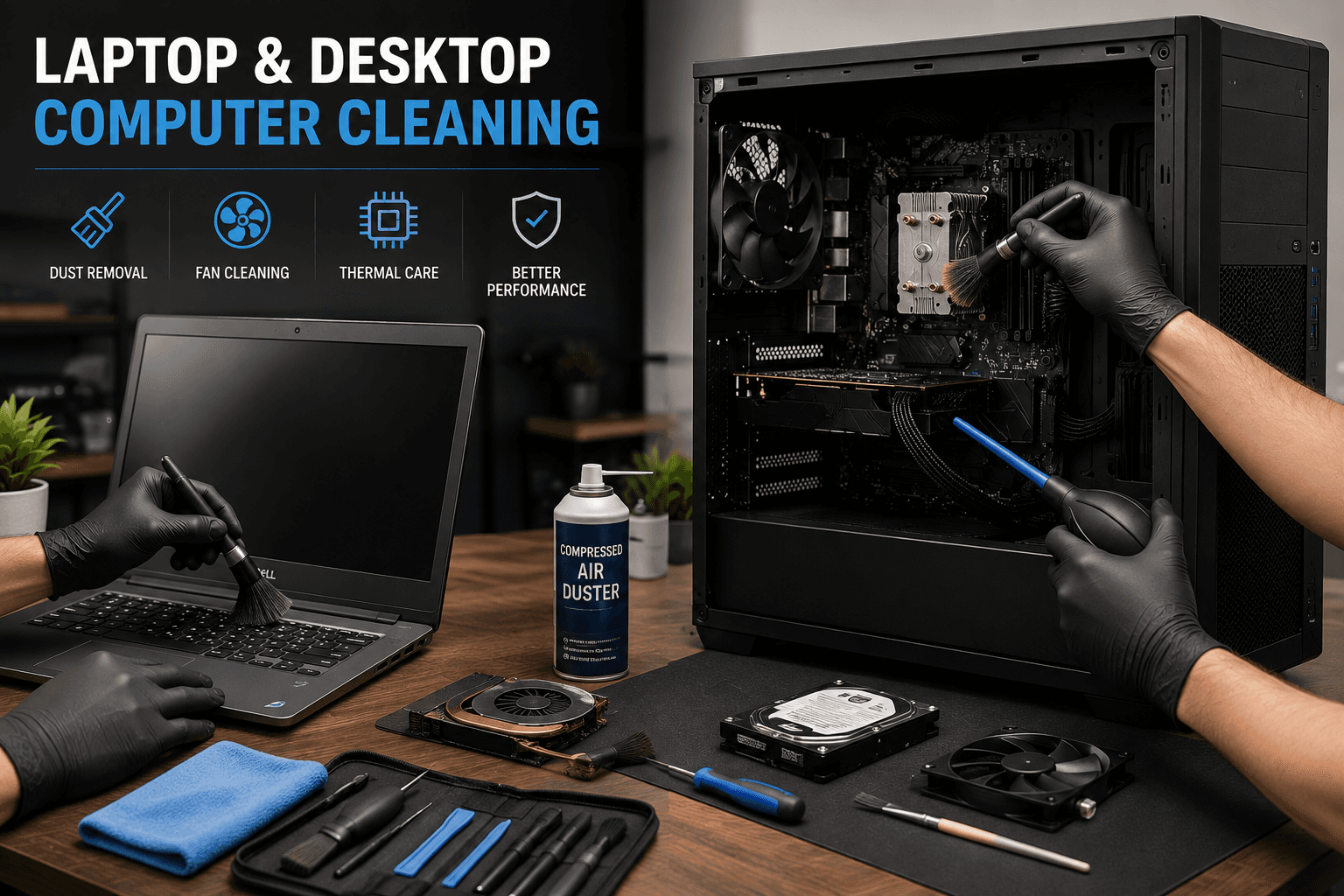
Keep Your System Clean
Dust Is More Than Just Dirt
Dust can collect around fans, heatsinks, vents and filters over time. Excessive buildup may restrict airflow and make the cooling system work harder. Regular cleaning helps maintain the internal condition of your computer and supports effective thermal management.
What We Clean
Complete Computer Cleaning Services
Cleaning requirements vary between laptops and desktops. We inspect the system first and service the areas that need attention.
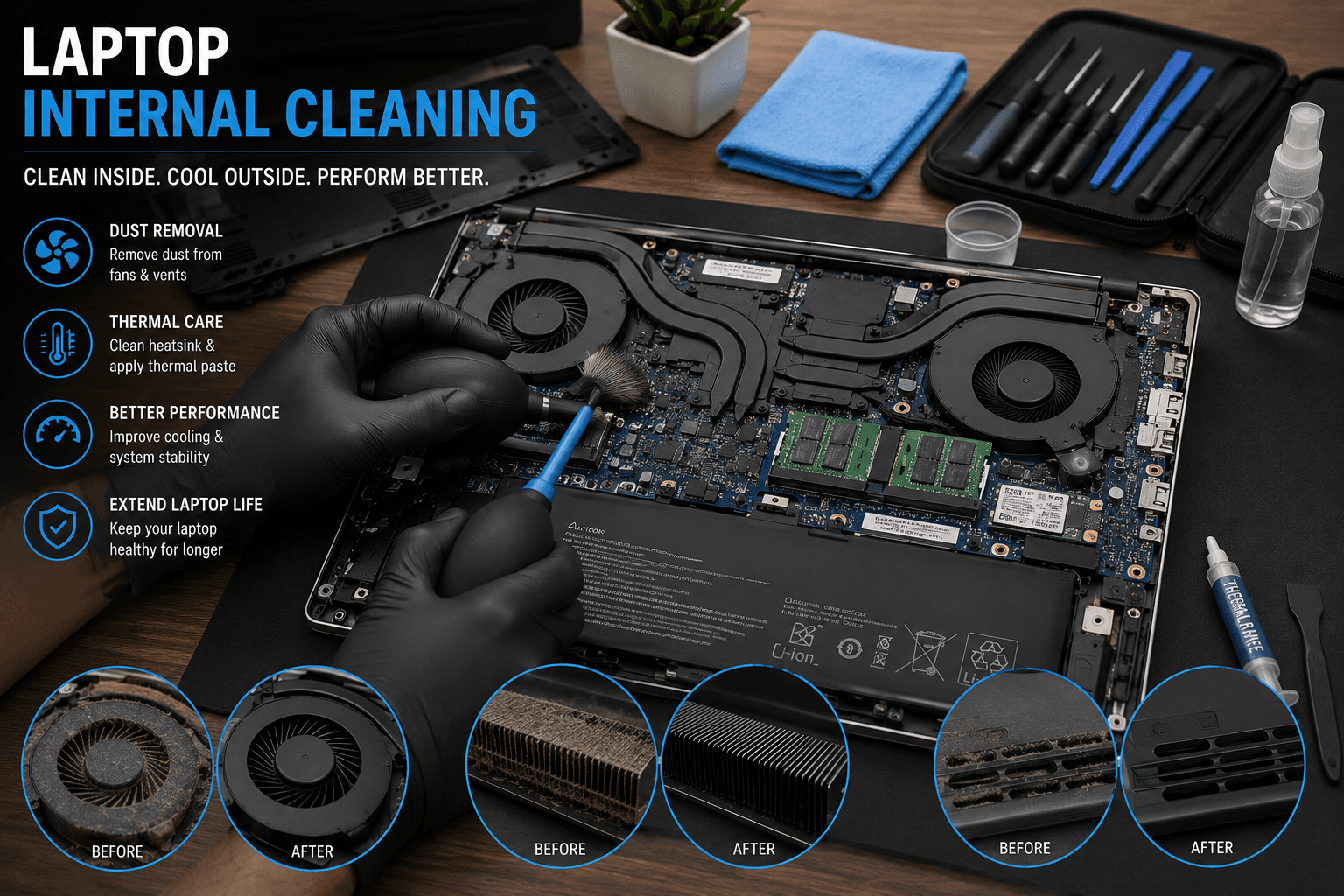 LAPTOP
Laptop Internal Cleaning
Remove dust from your laptop.
Internal cleaning removes accumulated dust from fans, vents and other accessible areas that can affect cooling and airflow.
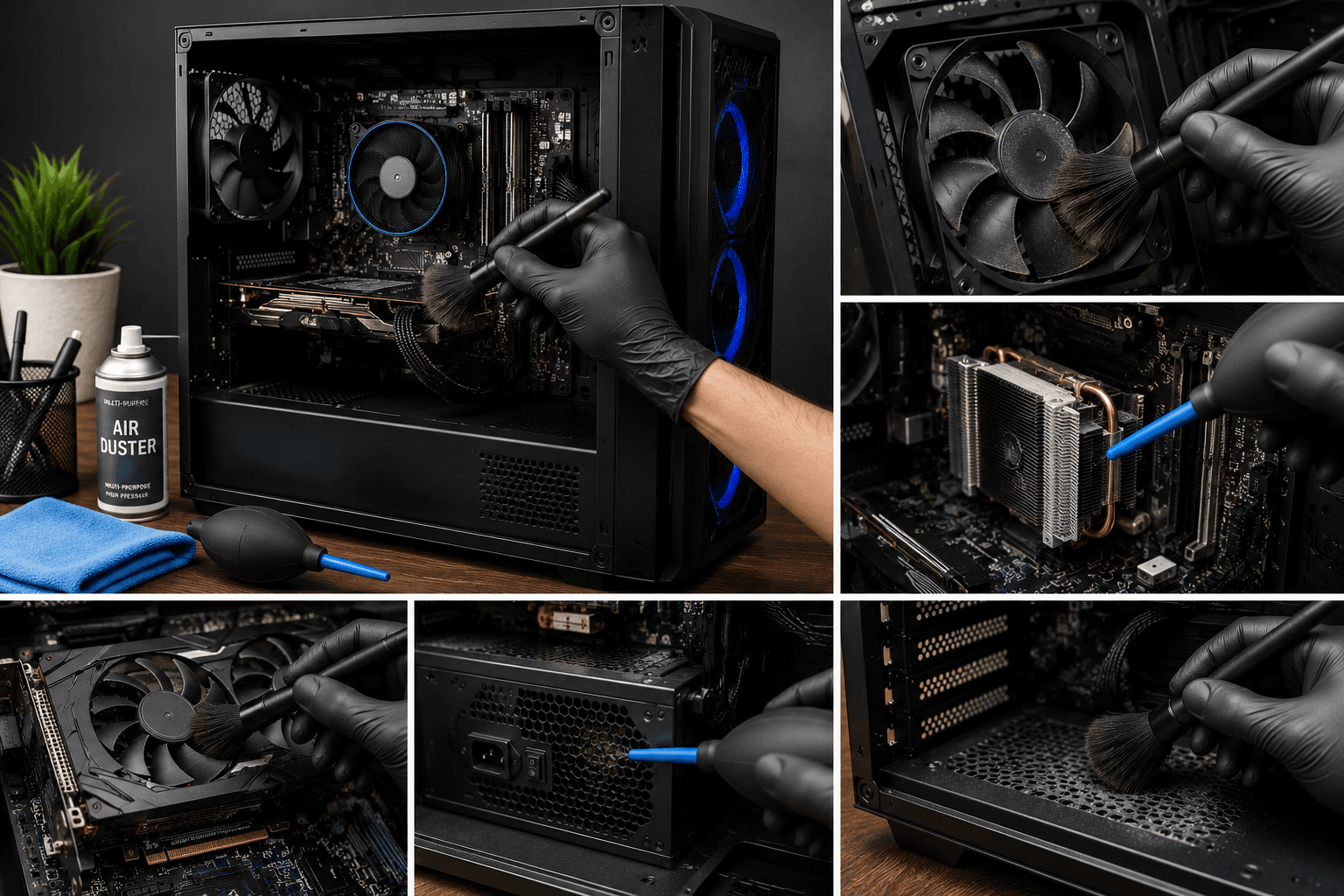 DESKTOP
Desktop Internal Cleaning
Keep your desktop clean and cool.
We clean dust from desktop cases, fans, heatsinks, filters and accessible components to help maintain proper airflow.
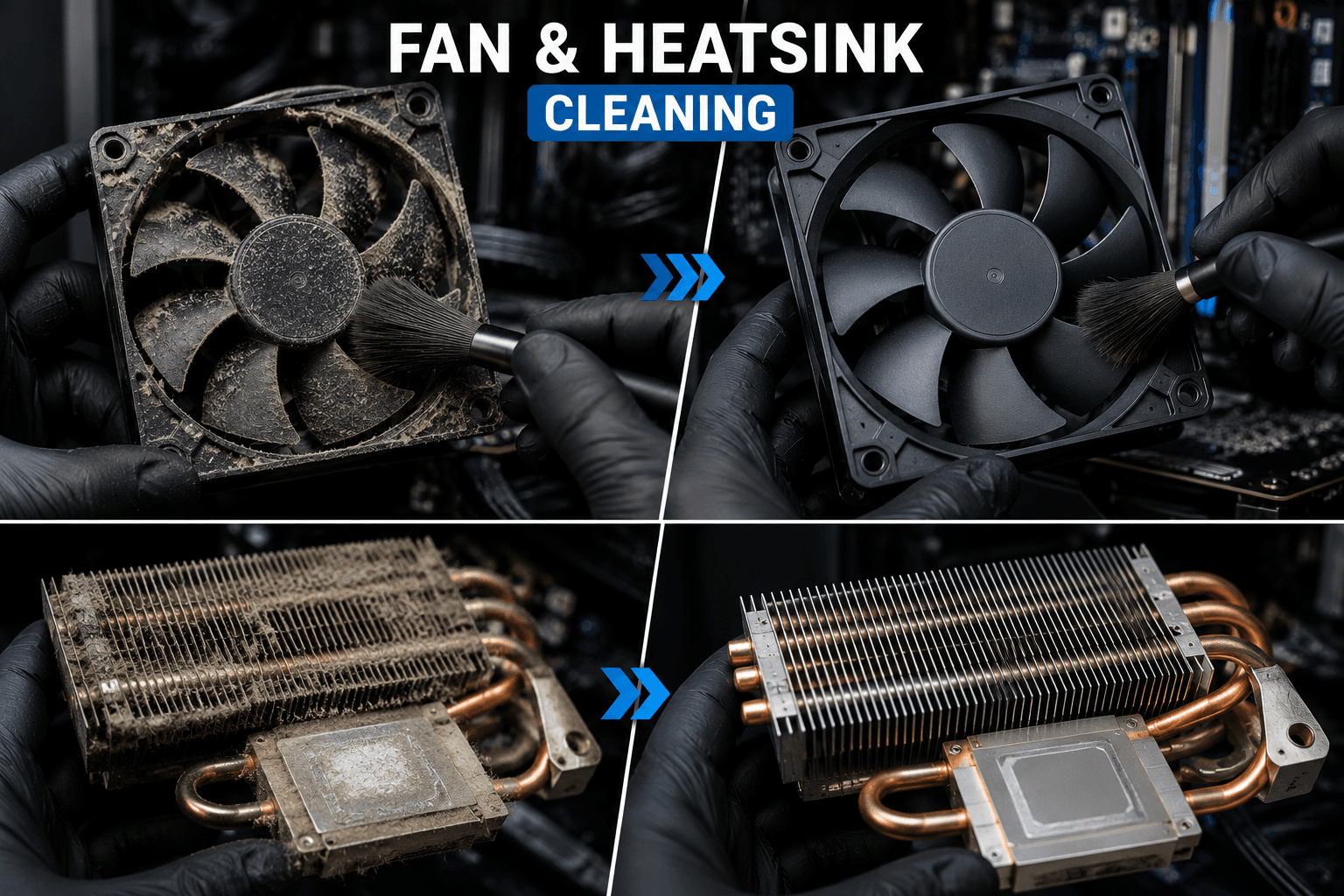 COOLING
Fan & Heatsink Cleaning
Clean cooling components.
Dust buildup around fans and heatsinks can restrict airflow. Cleaning these areas helps the cooling system operate more effectively.
 THERMAL
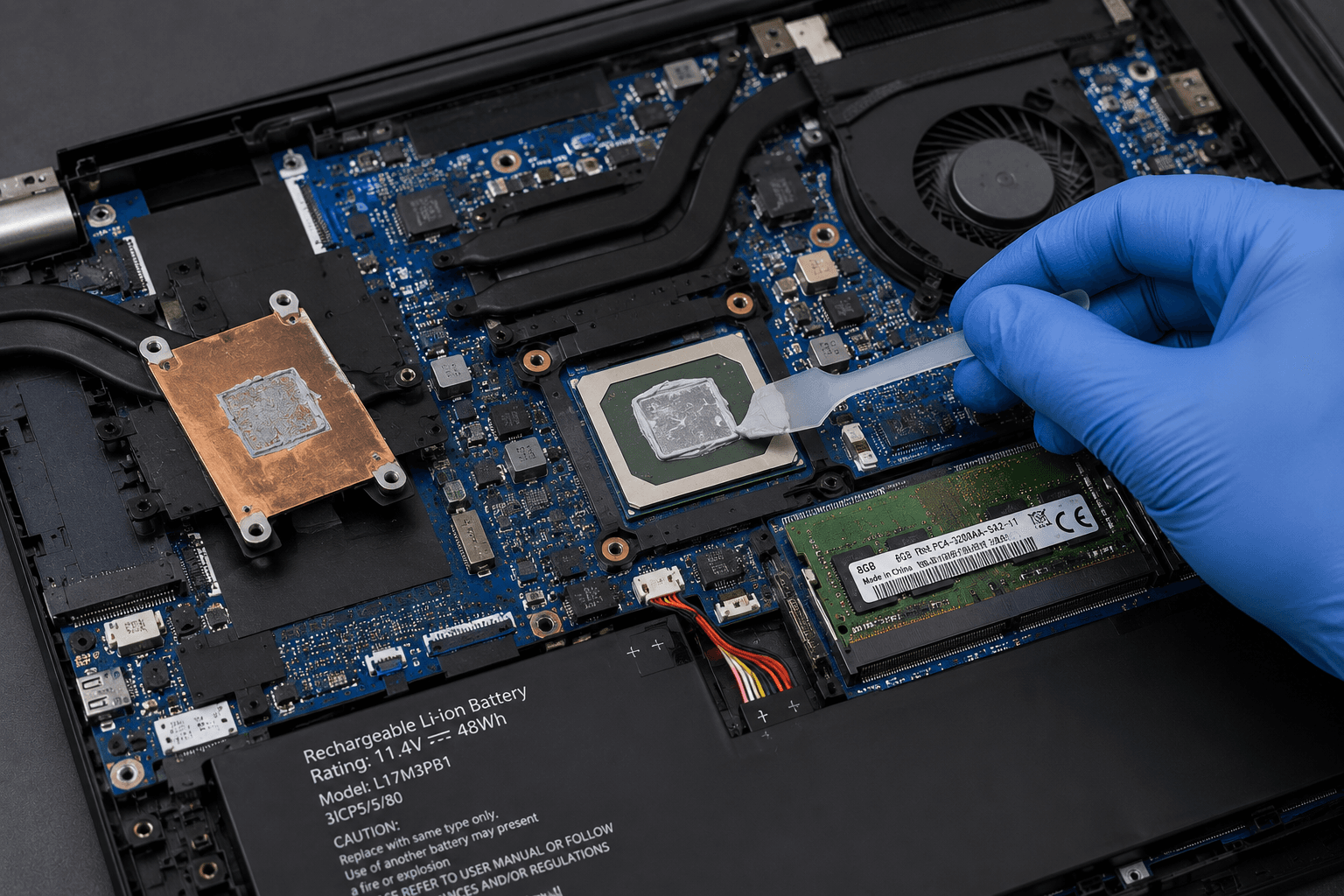
Thermal Paste Service
Improve heat transfer.
Old or dried thermal interface material can affect heat transfer. Thermal paste can be replaced when inspection indicates it is appropriate.
 AIRFLOW
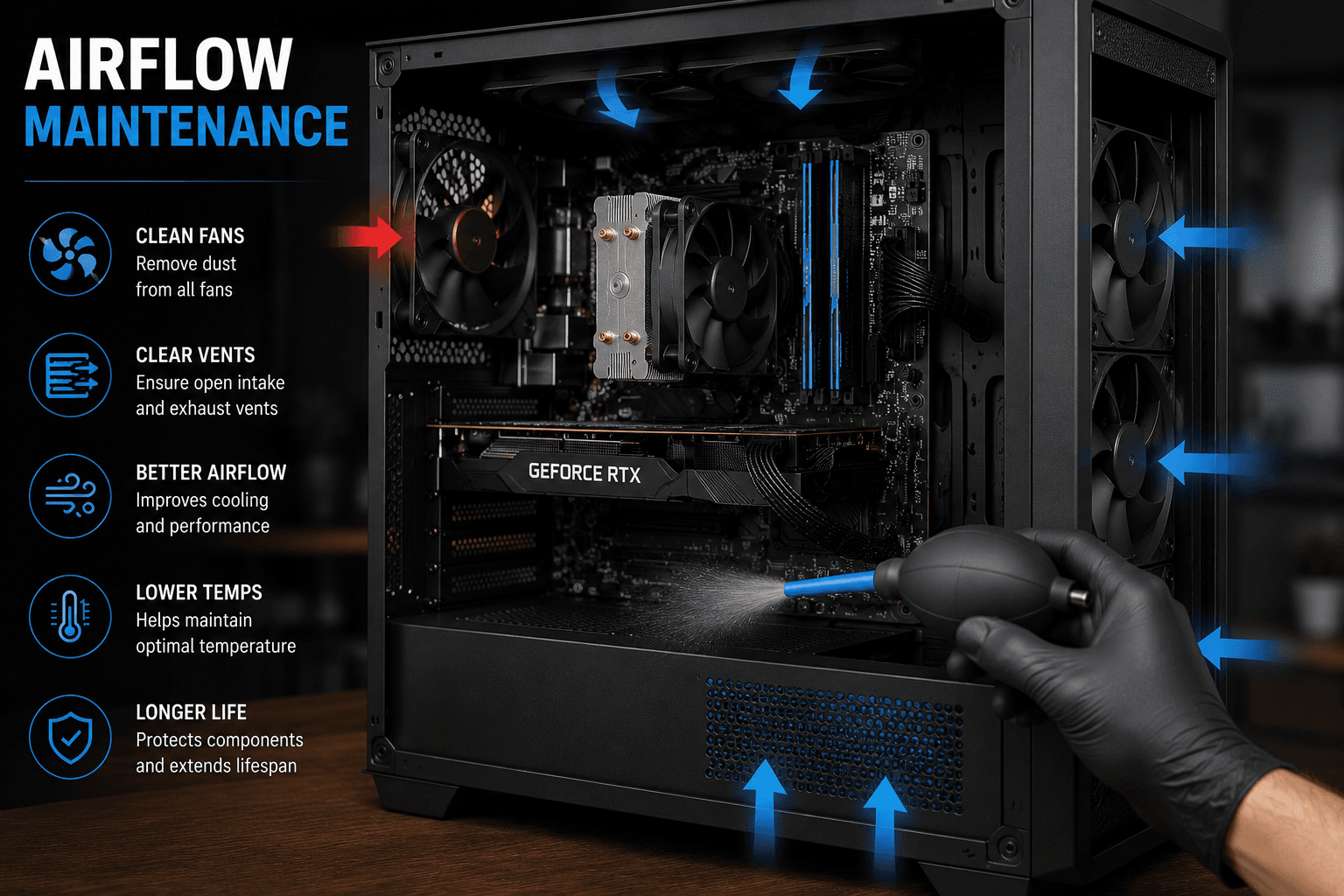
Airflow Maintenance
Better airflow through your system.
We inspect vents, fans and airflow paths for dust buildup and obstructions that may contribute to higher operating temperatures.
 MAINTENANCE
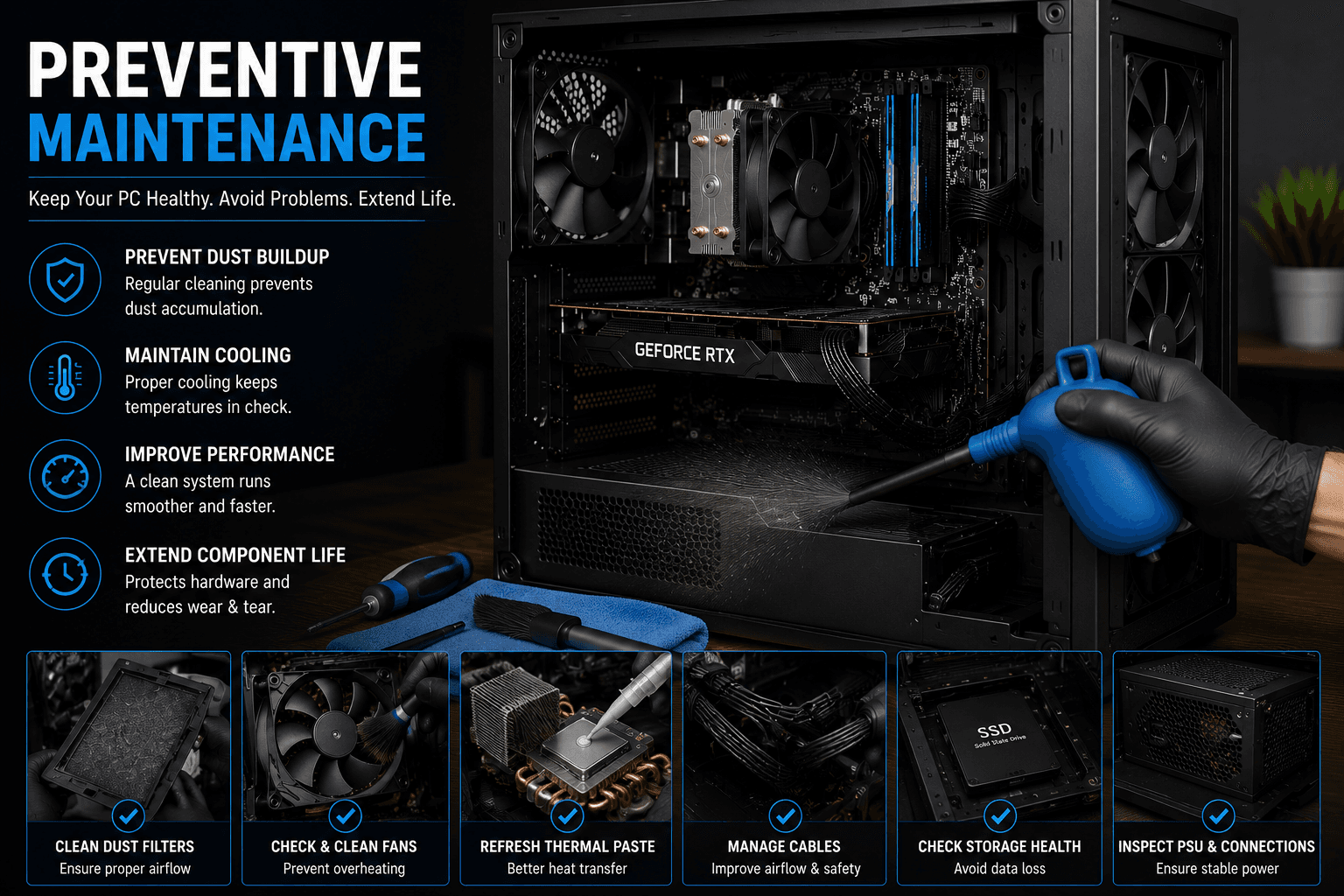
Preventive Maintenance
Maintain your computer before problems grow.
Regular cleaning can help keep cooling systems free from excessive dust and allows potential thermal or hardware issues to be noticed earlier.
Does Your Computer Need Cleaning?
Watch for TheseWarning Signs
These signs can indicate that your system needs inspection. They can also have other causes, so proper diagnosis is important.
Get Your Computer CheckedFan Running Constantly
Fans running frequently or loudly can indicate increased heat or restricted airflow.
Computer Getting Hot
Excessive heat around the laptop or desktop can be a sign that the cooling system needs attention.
Performance Throttling
Some systems reduce CPU or GPU performance when temperatures become too high.
Dust Around Vents
Visible dust around ventilation openings can indicate that dust has also accumulated inside the system.
Unexpected Shutdowns
Thermal problems can sometimes contribute to instability or unexpected shutdowns, although other causes are also possible.
It's Been Years Since Cleaning
Computers used in dusty environments can accumulate significant internal dust over time.
Laptop & Desktop
Cleaning Depends on the Device
Laptops and desktops use different cooling designs, so the cleaning approach depends on the hardware and its condition.
Laptop Cleaning
Laptop cooling systems are compact and can collect dust around the fan, heatsink and ventilation paths. Proper internal cleaning can help maintain airflow and thermal performance.
Desktop Cleaning
Desktop PCs have larger cases with multiple fans, filters and airflow paths. Cleaning helps remove accumulated dust from the case and cooling components.
Why Regular Cleaning Matters
Benefits of Computer Maintenance
Better Airflow
Removing dust and obstructions can help cooling air move through the system more effectively.
Improved Cooling
Clean fans and heatsinks can allow the cooling system to operate more effectively.
Reduced Dust Buildup
Regular maintenance helps prevent excessive accumulation of dust inside the computer.
More Stable Operation
Keeping temperatures under control can help reduce thermal-related performance problems.
Hardware Maintenance
Cleaning provides an opportunity to inspect the internal condition of the system.
Long-Term Care
Regular preventive maintenance can help keep your laptop or desktop in better operating condition.
Our Cleaning Process
From Inspection to Testing
We follow a careful process designed around the specific device and the areas that require cleaning.
Inspection
We inspect the system, vents, fans, cooling components and visible dust buildup.
Safe Disassembly
Where required, the system is opened carefully to access the cooling and internal areas that need cleaning.
Dust Removal
Dust and debris are removed from accessible fans, heatsinks, vents, filters and internal areas.
Thermal Service
If required, thermal paste may be replaced as part of the cooling service after assessing the system.
Reassembly & Testing
The system is reassembled and checked to ensure the computer starts and operates normally.
Overheating Your Computer?
Cleaning + Thermal Maintenance
If your system is overheating, cleaning may be only one part of the solution. Fan condition, airflow, thermal paste and other hardware should also be checked.
Frequently Asked Questions
Computer Cleaning Questions
Why does my computer need internal cleaning?+
Dust can accumulate around fans, heatsinks, vents and filters. Excessive buildup can restrict airflow and make the cooling system work harder.
Can cleaning fix an overheating laptop?+
Cleaning can help when dust buildup or restricted airflow is contributing to overheating. However, overheating can also have other causes, so the system should be inspected before assuming cleaning will solve the problem.
How often should I clean my computer?+
B L Enterprises recommends internal cleaning of laptops and desktops every 2,000 hours of use in ideal environments and every 4,000 hours in dusty environments.
Do you replace thermal paste during cleaning?+
Thermal paste replacement is recommended when the cooling system shows signs of reduced thermal performance or when the existing paste has degraded. It is assessed as part of the cleaning service and replaced when required.
Can I clean my laptop myself?+
Basic external vent cleaning can be performed carefully, but internal laptop cleaning requires opening the device and handling delicate components. Professional service can reduce the risk of accidental damage.
Will cleaning make my computer faster?+
Cleaning does not directly increase hardware performance. However, if dust and heat are causing thermal throttling, restoring proper cooling can help the computer maintain its intended performance.
Do you clean both laptops and desktop PCs?+
Yes. Computer cleaning services can be provided for both laptops and desktop computers, with the cleaning approach depending on the device design and condition.
B L Enterprises • Jaipur
Keep Your ComputerClean. Cool. Reliable.
Give your laptop or desktop the maintenance it needs. Contact B L Enterprises for computer cleaning and thermal maintenance in Jaipur.